Yes, this is something that should be taken into account when designing this software.
Set dual-boot as a default / design UI in a way that offers dual-boot as a preferred option.
And many other technical issues will probably appear that will have to be figured out.
But I think that at least even thinking about this is a good start.
Also, this reminds me of 2013, when people accidentally nuked their Windows installs with Linux because they wanted to get the Tux in Team Fortress 2 (Valve gave it to people who played Linux version of TF2).
and this year Android also surpasses Ubuntu for personal use (29% vs. 28%).
lol why bother with same OS category when you can just compare across whichever fields you want


I’m sure that there are games (either video games or IRL physical games) designed for this. Some simple “here are some possible instructions, use them to achieve some goal” thing.
Something like described here:
https://wiredme.com/blog/active-coding-games-for-kids/
But I am interested in knowing more examples of such games. Is there any Wikipedia article for this category of games? Is there any list with more of them described?


lolwat.
can you explain the reasoning in your second paragraph?
Also I’m not sure that your definition of Enshittification is correct.


there was this satirical “web browsing simulator 2025” or something like that where you had to do all those things.
but I don’t remember the exact name and can’t find it with a search engine. Maybe someone else knows what I am talking about.


It does work, I have been using it for a long time now in context of my interest of using a phone as a PC.
https://xdaforums.com/t/phone-as-a-pc.4633441/
Thing is that with just termux, you get just the android/termux environment.
There is a way to get more familiar Linux environments running on your phone by using proot from within termux.
https://wiki.termux.com/wiki/PRoot
For example, using that you can install ARM version of Manjaro, which is basically the same thing that you would run on Raspberry Pi.
But everything in there runs a bit slower, because Proot is some layer that takes up a bit of performance.
Benefit of that is that you can run some Linux software that is not found within Termux packages, but is available in the repositories of other distros. Libreoffice is one such example.


LineageOS 22.2 (on FP4) does not seem to have that option yet.
At least, it is not listed in the developer options.
You can find it if you tap on the search button within developer options (or just general settings, as that also includes results from developer options) and type “terminal” or “linux”.
The (Experimental) Run Linux terminal on Android result shows up.
But after you tap on that, you see that toggle is greyed out. Can’t be enabled.
I am interested in getting that to work, so any help is appreciated.
There is hopefully some ADB command or something that forcefully enables Linux environment.
StackOverflow says that it can be done by editing xrdp.ini:
https://askubuntu.com/questions/133343/how-do-i-set-up-xrdp-session-that-reuses-an-existing-session#360835
Is there a specific reason for choosing RDP?
VNC is the most common protocol in Linux. And RustDesk is also a good, more advanced alternative.
While others already pointed out the similarity to persistent LiveUSB, I would argue that this also feels a bit like Android desktop modes, like Samsung Dex.
yes, valid point, thank you for the correction
As jet points out, QEMU for actual hardware virtualisation.
There is one relevant thing, which is not exactly in the same category, but does somewhat similar thing:
containers
most popular example being Docker
https://en.wikipedia.org/wiki/Containerization_(computing)
containers don’t emulate whole hardware stack like virtual machines do, they just run the guest OS on top of host OS.
so because they don’t put resources towards emulating hardware, they are much more resource efficient.
so if your problem is “I’m running Fedora but I want to run something that for some reason runs just on Ubuntu”, then you could use containers for that.
containers are mostly used in headless environments (as in servers, no GUI), so running and displaying desktop Linux inside them is a bit tricky, but it can be done.
Lemmy is not like Reddit, you can edit the title even after the post was made.
Also, the latest release of Linux Mint is Xia:
https://www.linuxmint.com/download_all.php
https://en.wikipedia.org/wiki/Linux_Mint#Release_history


Other comments already pointed to some very good software solutions.
But I would argue that absolutely the biggest barrier to entry for the masses is hardware.
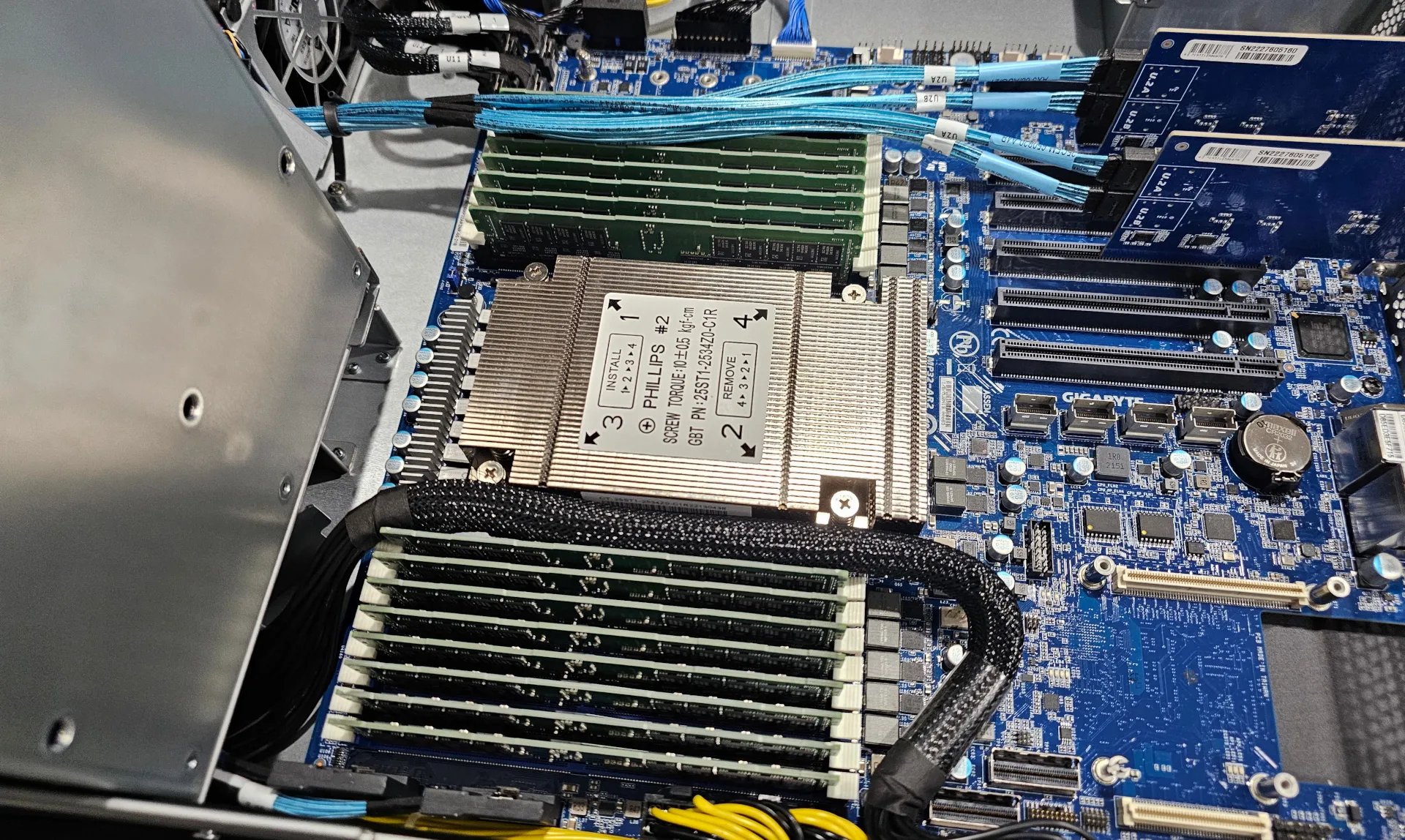
Restoring an old PC or making some cable spaghetti with some SBC is currently too advanced for average person.
Self-hosting for the masses would require some new form of home servers.
Something modular, where adding new components would be as easy as playing with Lego bricks.


Listen, strange penguins biting people is no basis for a system of government.
Yes, and so is a virtual machine. I’m thinking install Linux to disk so that it can then run directly on hardware.