

5·
27 days agoOoh, definitely will try to make snake
Hi, I’m sbird! I like programming and am interested in Physics. I also have a hobby of photography.
previous scheep on lemmy.world: https://lemmy.world/u/scheep
Ooh, definitely will try to make snake
No, each country is its own area.
Unfortunately this wouldn’t work as there’s a lot more than one country. I would have to make a label for every country, in which case I might as well just resize the labels myself…
That seems like a good idea. Thanks! Spying on your enemies…
that could be fun. Maybe once I finish the basics I could add that…
maybe not the catching part. More just the turn-based battles.

I’ve got faction maps working! Ignore that Greece, Turkey, and West Germany only joined NATO until around the mid 1950s…and that neither the Warsaw pact nor the Non-Aligned movement existed in 1949…and that the non-aligned movement only includes yugoslavia…


I have all the individual countries in separate area2ds! I think I have most of the colours right, what do you think? Some parts like Central America I’m not sure about so right now they are the default (255 red).
I’ve also set the colonies to have “rulers” and their colours will be set to the colour of their ruler.
Currently there aren’t any provinces, I might try to do that at some point in time. Probably not though. This game isn’t meant to be historically accurate at all, it’s going to be a mix of HOI4 and Pokemon with turn-based battles rather than moving the troops on the ground. One goal I have with this game is to make it playable on controller, so moving divisions around wouldn’t be fun with that. Pokemon-style turn-based battles were originally designed for a controller, so that’s what I’m doing. It will also make my game slightly more unique :D
Yeah, there’s a bunch of ways you could do that, including with OSM. Unfortunately, I don’t think they, nor most map data providers, have data for the cold war era.
Singleplayer definitely. I’m intending this game to be a weird mix of HOI4, the cold war, and Pokemon.

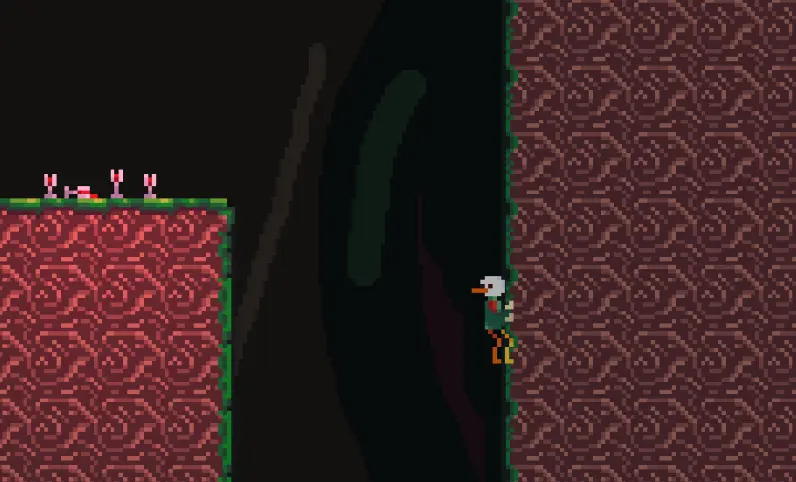
update: I’ve made both a tileset and decorations for the Eurus level! It’s very fluffy (and surprisingly hairy), but it’s a bit two-faced: there’s also a bunch of skulls of people Eurus didn’t like very much.
I’ve also added controller button icons (hooray!), so whenever you connect/disconnect a controller (and also on start), the button icon will change (keyboard if there is no controller connected and Xbox, Nintendo, or PS if there is). Pretty sure how I set it up it only looks for first-party controllers and defaults to Xbox layout for third party controllers (e.g. 8BitDo controllers) since it just looks for the words “xbox”, “nintendo”/“switch”, and “playstation”/“ps”. I’ll probably make a setting to allow manually setting controller layout.
I do not
Note that the parallax background still needs to be changed, right now it’s the same one as the Dionysus levels. I might have the dionysus one replaced too with a better one since it doesn’t look all that good, esp. on a bright screen
Godot is better than roblox for making games because:
If you do go for Godot (and you should), I would check out channels like GDQuest and HeartBeast as well as the Godot documentation for tutorials and help, as well as browsing the forums for advice.
Ah ok that makes sense. Very cool. I’ll probably just stick with my system, since it works for me :D
If there was a “key” for every dialogue, that table would get ridiculously long. All the dialogue text is only being used once anyways, so it’s just making it more complicated for, in my opinion, little to no reason.
Using a lookup table for the emotions and character could be interesting though. I prefer my solution of just having all those dialogue objects since it’s simple and works for my use case. In Godot with the “quick load” feature you can find the different sprites very fast. Also, not changing the dialogue system means I can keep using the same one for all my games, so less work to do :D
How my dialogue box works is by having a “Dialogue” object that has three parameters: the text, the avatar, and the duration (longer dialogues wait for 5s, shorter could be 3s). And in each “conversation”, it’s pretty much looping through an array of these dialogue objects. So for every conversation there is in the game, I would have to change the dialogue objects of each one.
And I don’t think I can map it to specific textures since I have multiple textures for different expressions (happy, shocked, angry, etc.) and am likely going to add more in the future so I can’t really hard code that in.
It’s quite a bit of work for something that I find mostly unnecessary as all the characters introduce themselves when you meet them and there is a clear visual distinction (different shapes, colours, etc.) between all of them.
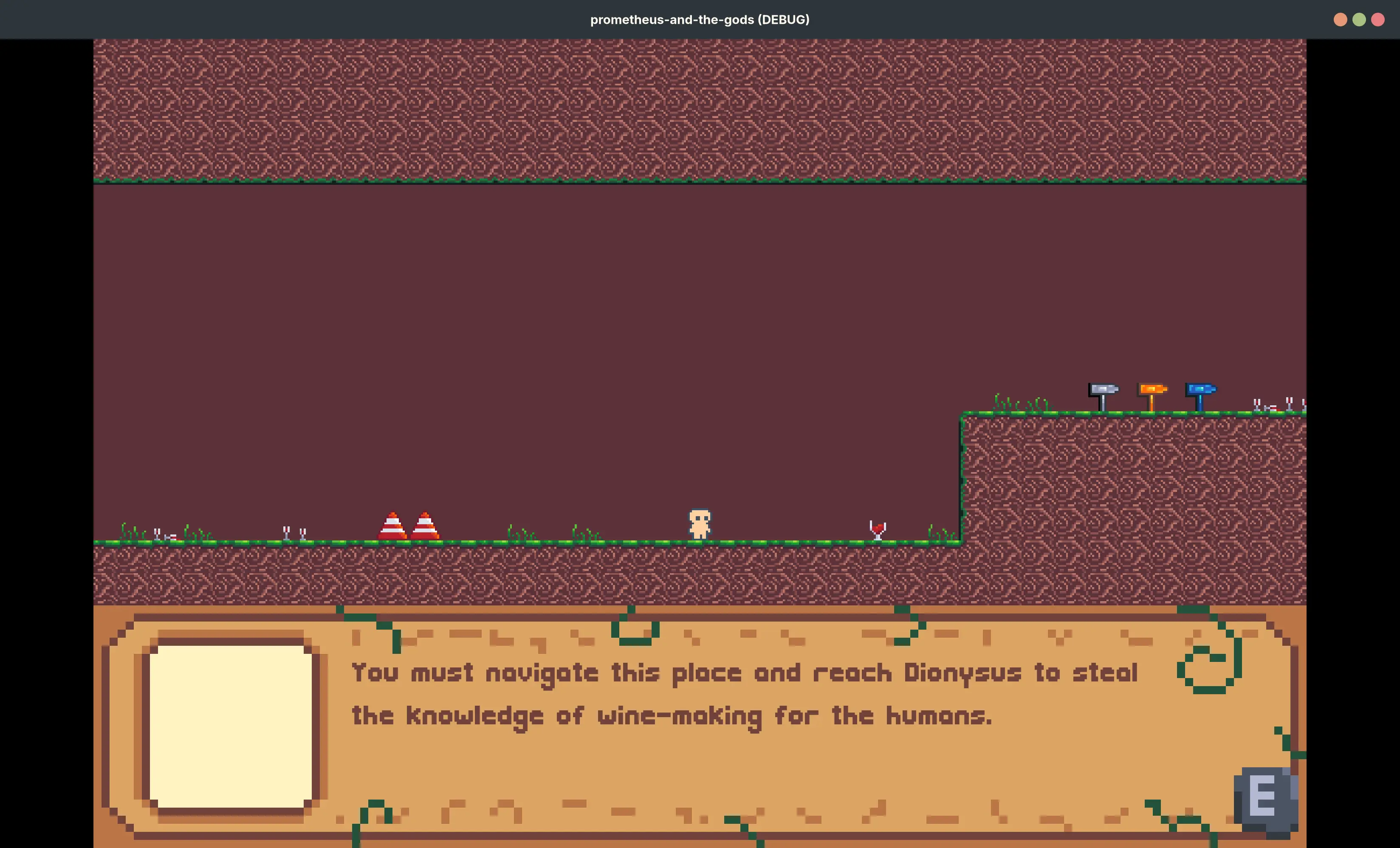
On adding the character names to the dialogue box, I don’t think I’ll do that. It’s too much work to change EVERY SINGLE dialogue and all the characters introduce themselves anyways. I think all the dialogue sprites are unique enough (Player is the duck, Prometheus is the human with golden hair, the winds are their own thing, the narrator is a donut thing, etc.)


match puzzle game could be interesting